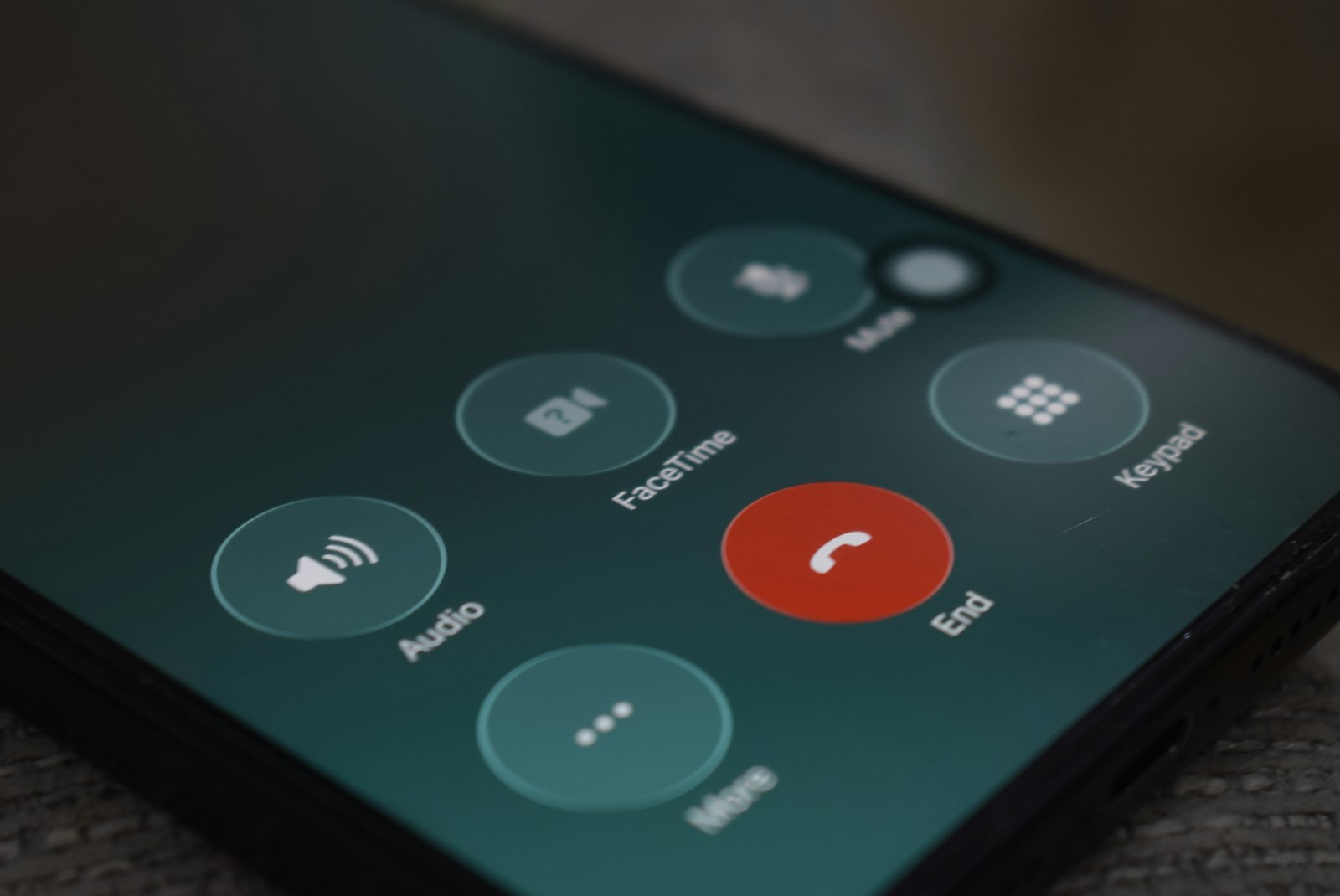
If an unfamiliar number calls from an area code you don't recognize, it helps to look up the number before you do anything else. Beyond that, both iPhone and Android now screen or silence spam calls for free, right out of the box, and the three big U.S. carriers each add a free spam-blocking app on top.
None of this requires installing anything to get started, and it works the same whether the calls are robocall spam, extended-car-warranty scams, or spoofed numbers that look local. Here's exactly where each setting lives, what it actually does, and what to add on top if you want more coverage.
Block spam calls on iPhone (iOS 26 Call Screening)
Apple's support documentation describes the setting as Screen Unknown Callers, found at Settings → Apps → Phone → Screen Unknown Callers. It gives you three choices for any number that isn't already in your contacts:
- Never. Unknown numbers ring your phone normally, with no screening at all. This is the default-feeling option if you've never touched the setting.
- Ask Reason for Calling. Before your phone rings, the caller hears a prompt and has to state why they're calling. You see that response and can decide whether to pick up, all without the call ever disturbing you if you don't want it to.
- Silence. Unknown numbers skip ringing entirely and go straight to voicemail. The call is still logged in your Recents list, so you can check later and call back if it turns out to matter.
Separate from that menu, iPhone also has a Call Filtering section with two independent toggles. Turning on Unknown Callers moves calls from numbers you've never interacted with out of your main Recents list and into their own filtered view, so your call history stays readable. Turning on Spam silences calls your carrier's network has already flagged as likely spam or fraud, routing them to voicemail and filing them under a separate Spam bucket rather than mixing them in with real missed calls.
FaceTime has its own, separate Silence Unknown Callers toggle, so turning on the Phone app version does not automatically cover FaceTime calls. If you get unsolicited FaceTime calls too, switch that one on in the FaceTime settings as well.
Block spam calls on Android (Google Phone app spam protection)
On phones running Google's Phone app, open the app, tap the three-dot menu, then go to Settings → Caller ID & spam. There are two toggles here: "See caller ID & spam," which is on by default on many devices and labels likely spam numbers when they call, and "Filter spam calls," which goes a step further and sends calls Google's system considers likely spam straight to voicemail or blocks them outright, without a missed-call notification interrupting you.
On Pixel phones, the built-in Call Screen feature has its own "Protection level" setting. At the Maximum level, available on recent Android and Pixel software, the on-device AI screener asks the caller to state their name before your phone ever rings, similar in spirit to Apple's Ask Reason for Calling option but handled automatically rather than requiring you to pick up and listen.
Samsung devices offer a similar built-in spam-identification feature called Smart Call in the Phone app settings, as a Galaxy-specific equivalent to Google's Caller ID & spam protection. If you're on a Galaxy phone, check your Phone app's settings menu for it rather than assuming you need Google's version specifically.
Turn on your carrier's free spam blocker (U.S.)
All three major U.S. carriers bundle a free spam-blocking app or service with every account, on top of whatever your phone's operating system already does:
- T-Mobile Scam Shield. Free for all T-Mobile customers, it automatically blocks calls flagged as high-risk or likely scam and labels other suspected spam so you can decide for yourself. It also offers a changeable proxy number if you want to share a number for forms or listings without handing out your real one.
- AT&T ActiveArmor. Free and bundles what used to be the standalone Call Protect app. It automatically blocks fraud and spam calls, lets you keep a personal block list, and filters suspected spam text messages as well as calls.
- Verizon Call Filter. The free tier flags suspected spam with real-time alerts as the call comes in and can automatically route high-risk callers straight to voicemail; it also lets you report numbers. A paid tier adds more detail and controls on top of that.
If you haven't opened your carrier's app in a while, it's worth checking that spam blocking is actually turned on. Some of these features ship off by default, or get reset after certain account changes.
UK options: caller display, BT Call Protect, and reporting nuisance calls
Caller Display, shown through your network or handset, lets you see the number before you decide whether to answer at all, which is the simplest first layer. On top of that, BT customers get BT Call Protect free, which automatically diverts calls that look fraudulent or like nuisance calls before they reach you. BT phones can also work with TrueCall, a separate device and service that was independently trialed by UK Trading Standards and, according to BT and TrueCall's own reporting on that trial, blocked the large majority of unwanted calls reaching participants' lines.
Registering with the Telephone Preference Service (TPS) reduces live telemarketing calls in the same way the U.S. Do Not Call Registry does, by binding legitimate marketers rather than blocking calls technically. If you're getting nuisance, silent, or abandoned calls, report them to Ofcom; if a call looks like an outright scam, report it to Action Fraud at 0300 123 2040 instead.
Register with the National Do Not Call list (U.S.) — and know its limits
Registering a number at donotcall.gov, or by calling 1-888-382-1222 (TTY 1-866-290-4236) from the phone itself, is free. If you register online, you'll get a verification email that you need to confirm within 72 hours or the registration won't take effect. Once it's active, legitimate telemarketers are required to stop calling that number within 31 days.
Here's the part people get wrong most often: the registry does not block any calls technically, and it does nothing at all against illegal scam or robocall operations, which were never going to follow the rules in the first place. It only binds businesses that are complying with telemarketing law to begin with. If you're getting scam or robocall traffic, the registry is not what stops it, built-in call screening and your carrier's spam app are; report violations and scam calls at ReportFraud.ftc.gov instead of expecting the registry itself to filter them.
If neither your phone's built-in filter nor your carrier catches everything, crowdsourced third-party apps like Truecaller or Hiya add another layer on top, identifying and auto-blocking numbers that a large user base has already reported as spam. They're a reasonable fallback, especially on older Android phones with thinner built-in protection, but they work best alongside the free options above rather than instead of them.
Comparison table: method vs. where to enable it vs. what it blocks vs. cost
| Method | Where to turn it on | What it actually blocks | Cost |
|---|---|---|---|
| iOS Silence Unknown Callers | Settings → Apps → Phone → Screen Unknown Callers | Any number not already in your contacts (not spam-specific) | Free, built in |
| Android Caller ID & spam | Phone app → Settings → Caller ID & spam | Numbers Google's system flags as likely spam | Free, built in |
| T-Mobile Scam Shield | Scam Shield app | High-risk/likely-scam calls; labels other suspected spam | Free |
| AT&T ActiveArmor | ActiveArmor app | Fraud and spam calls and texts; personal block list | Free |
| Verizon Call Filter | Call Filter app | Suspected spam, flagged in real time; routes to voicemail | Free tier, paid tier adds more |
| U.S. Do Not Call Registry | donotcall.gov or 1-888-382-1222 | Legitimate telemarketers only, not scams/robocalls | Free |
| BT Call Protect / TrueCall (UK) | BT account settings / TrueCall device | Calls identified as fraudulent or nuisance | Free (BT Call Protect); TrueCall may have its own cost |
| Third-party apps (Truecaller, Hiya) | App Store / Google Play | Numbers reported as spam by other users | Free tier, paid tiers available |
Already answered a spam call? What to do next
If you've already picked up, the main thing is to not give a scammer anything to work with. Don't confirm your name, address, date of birth, or any account details, even to "verify" who you are, since that's exactly the information these calls are trying to collect.
Hang up, and block the number afterward using your phone's normal call-blocking option so it's less likely to show up again under that exact number. If you already gave out money or personal information before realizing it was a scam, treat it as a scam report case: file a report with the FTC at ReportFraud.ftc.gov (U.S.) or Action Fraud (UK), and contact your bank if any payment information was involved.
Common mistakes
- Relying only on the Do Not Call Registry and expecting scam calls to stop. It was never built to touch illegal robocall and scam operations, only legitimate telemarketers; layer it with built-in call screening instead of treating it as a complete fix.
- Pressing a number to "opt out" of a robocall survey. This usually confirms your number is active rather than removing you from a list. Hang up and block instead.
- Turning on only one layer of defense. Caller-ID spam filtering and a carrier app catch different things; running both together, rather than picking one, is what actually closes the gap.
- Ignoring the texting side of the same problem. Scammers increasingly pair spam calls with smishing texts and rich messaging scams, so it's worth checking whether your messaging app's RCS setup is safe at the same time you lock down your calls.
Frequently asked questions
Does Silence Unknown Callers block calls from real contacts?
Is call screening free on iPhone and Android?
Will blocking a number stop a scammer from calling again?
What is the difference between Silence Unknown Callers and a spam blocker?
Does the Do Not Call Registry stop scam calls?
Do I need a third-party app like Truecaller if my carrier already blocks spam?
Sources: Apple Support — Manage unknown callers on iPhone, Google Phone app Help — Use caller ID and spam protection, FCC Consumer Guide — Stop Unwanted Robocalls and Texts, FTC — National Do Not Call Registry, BT — Stop nuisance or scam calls, Ofcom — Unwanted calls: phone services that can help.
How we write: we compare manufacturer specifications, independent lab measurements and verified owner reports. Prices are typical US street prices as of November 2026 and change often.